
JustMSP is built differently. The process is clear from the start: we learn your environment, onboard your systems, configure support, and keep improving over time.
Your Client Experience Manager is involved from the beginning. They understand your goals, priorities, current systems, and how your team actually works.
This starts the relationship with context—not a sales handoff.
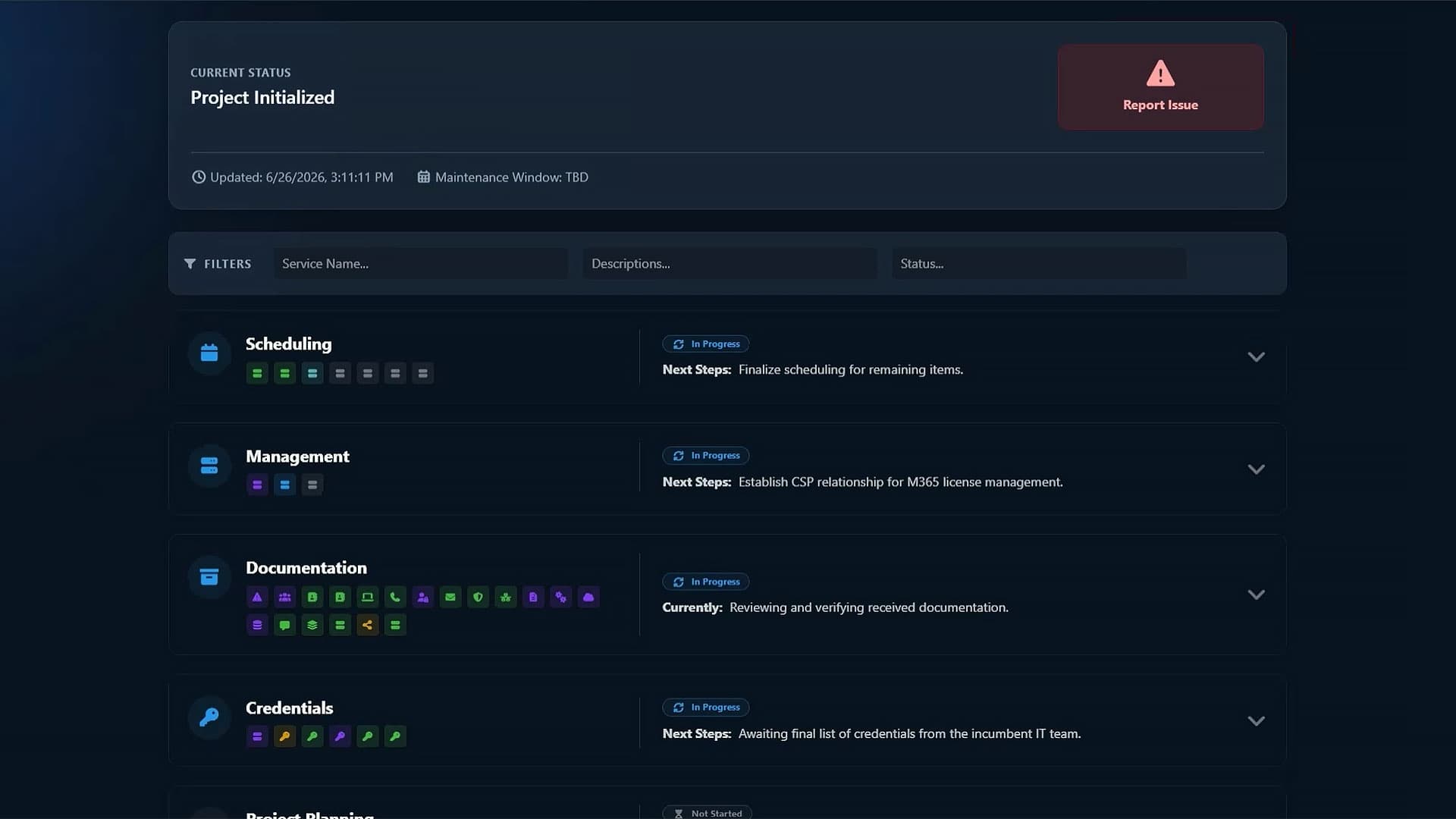
We gather documentation, review your systems, configure help desk workflows, onboard devices and infrastructure, validate remote access, and confirm monitoring coverage.
The goal is to make your environment visible, supportable, and ready for day-to-day managed IT.
Once onboarding is complete, JustMSP provides ongoing support, monitoring, management, and continuous improvement.
You get a dedicated support structure, clear request processes, and a team that already understands your environment.
The customer kickoff establishes how the onboarding process will move forward. During this meeting, we confirm timelines, communication methods, and key contacts are confirmed so both sides understand what to expect.
This step ensures alignment before any work begins, reducing confusion and helping the onboarding process run smoothly from the start.
Help desk configuration defines how support requests are submitted and handled. Service request types, workflows, and communication expectations are configured to align with your organization.
This ensures requests are routed appropriately, tracked consistently, and handled in a way that matches how your team operates.
Discovery is focused on collecting and reviewing information about your current environment. This includes gathering available documentation, identifying systems and software in use, and understanding how your organization operates day to day.
The goal is to build a clear and accurate starting point so onboarding decisions are based on real information rather than assumptions.
Support training prepares your team to use the support process effectively. Users are shown how to submit requests, what information to include, and how communication will work.
Providing this guidance early helps prevent delays and ensures your team can access support without confusion.
Infrastructure onboarding brings your core systems under management. Shared systems such as servers, networking equipment, and other critical components are reviewed, validated, and prepared for ongoing support.
This step ensures these systems are accessible, properly understood, and ready to be monitored and maintained moving forward.
End user onboarding focuses on the devices your team relies on every day. Laptops, desktops, and related peripherals are reviewed and brought into a supportable structure where applicable.
This helps create consistency across user environments, making it easier to manage devices and resolve issues efficiently.
Monitoring and management ensures your systems are fully accessible and ready for ongoing support. Remote access is confirmed, monitoring is validated, and management tools are in place for all essential systems.
This step establishes the visibility needed to maintain system health and respond to issues as they arise.
Continuous improvement focuses on reviewing what has been learned during onboarding and early support to identify areas for refinement. Observations from system performance, support activity, and overall usage are considered to determine where adjustments may be beneficial.
This step helps ensure the environment continues to improve over time, rather than remaining static after onboarding is complete.
We keep everything running.
JustMSP doesn’t step back after onboarding. Your systems move into ongoing management, where monitoring, maintenance, and support are handled continuously.
Issues are identified early through monitoring and addressed based on impact. Support requests are tracked, prioritized, and handled by a team that already understands your environment.
Over time, your systems become more stable, support becomes more efficient, and your team spends less time dealing with IT issues.
This is where managed IT shifts from reactive to reliable.
Have more questions? Reach out to our team at hello@justmsp.com and we will get back to you within one business day.
We onboard one customer per month to stay fully focused. Most clients start within a few weeks, depending on availability.
Typically about 30 days. We dedicate that time to fully understand your environment and set everything up correctly.
Minimal. We’ll need input during kickoff, discovery, and training, but we handle the heavy lifting.
We assess your environment, configure support processes, onboard systems and devices, and validate monitoring and access.
Yes. Your CXM is involved from the start and stays with you throughout onboarding and beyond.
If you have it, great. If not, we build it during discovery and onboarding.
No. Work is planned and staged to avoid interruptions, with most changes done in coordination with your team.
You move into ongoing management: monitoring, support, and continuous improvement over time.
For co-managed IT or collaboration with internal teams, our parent company Virtuas handles those engagements. Learn more about co-managed IT at Virtuas →
We review performance, support activity, and system health over time to identify improvements, supported by ongoing reviews like BTRs.
Pricing you can rely on.